For iPad · iPadOS 17 or later
A little practice. Every day.
Make time for the piano. Explore classic studies, follow the score, and build your skills with an offline practice companion for iPad.
Coming to the App Store
Works offline
Scores and piano sounds come with the app.
MIDI or touch
Connect your keyboard or play on the screen.
Saved on your iPad
Keep your practice results close at hand.
The classics, within reach
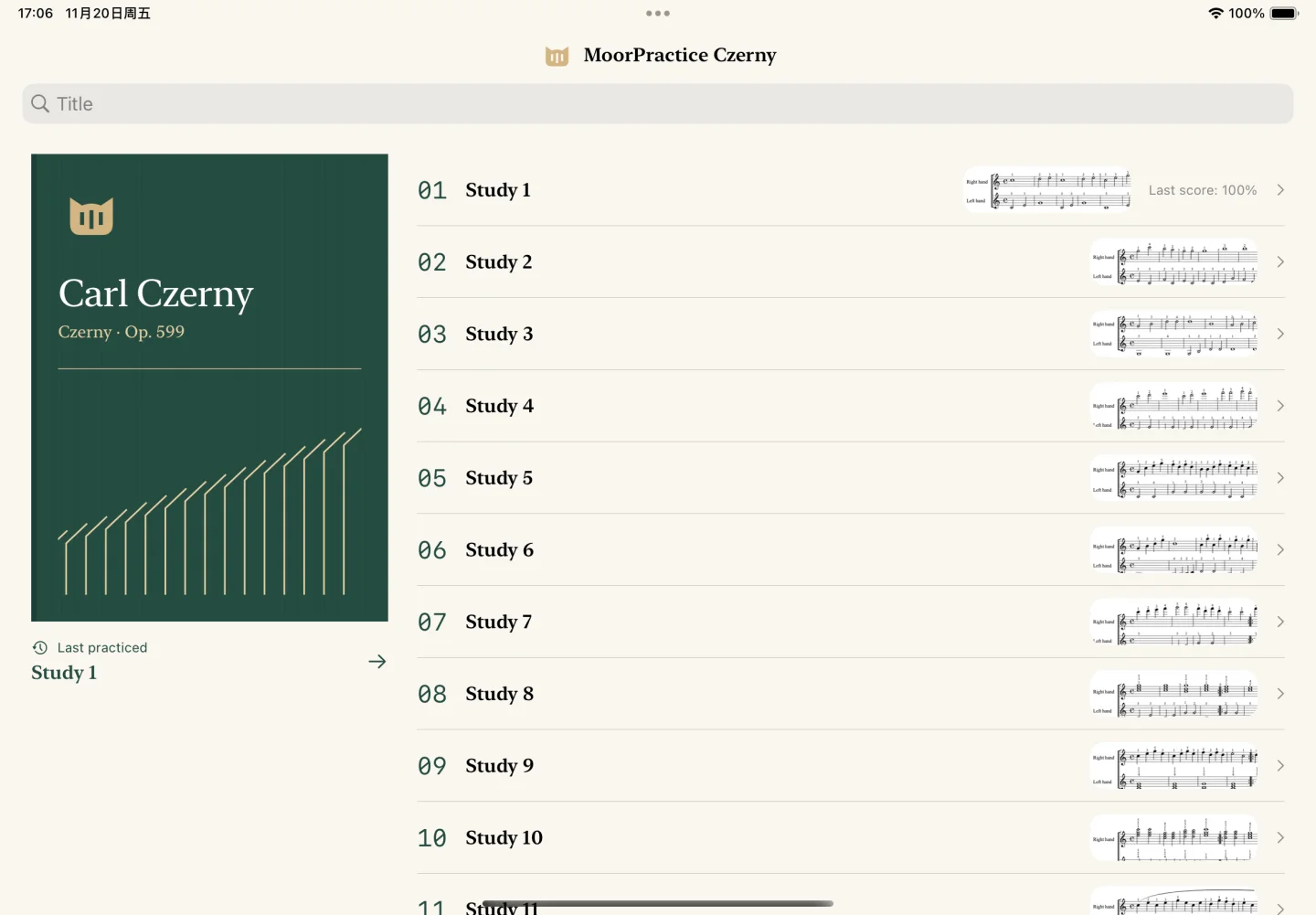
Start with Czerny’s Practical Method for Beginners. All 100 studies are arranged in their original order, with searchable titles and numbers.

Czerny
Practical Method · Op. 599
100 studies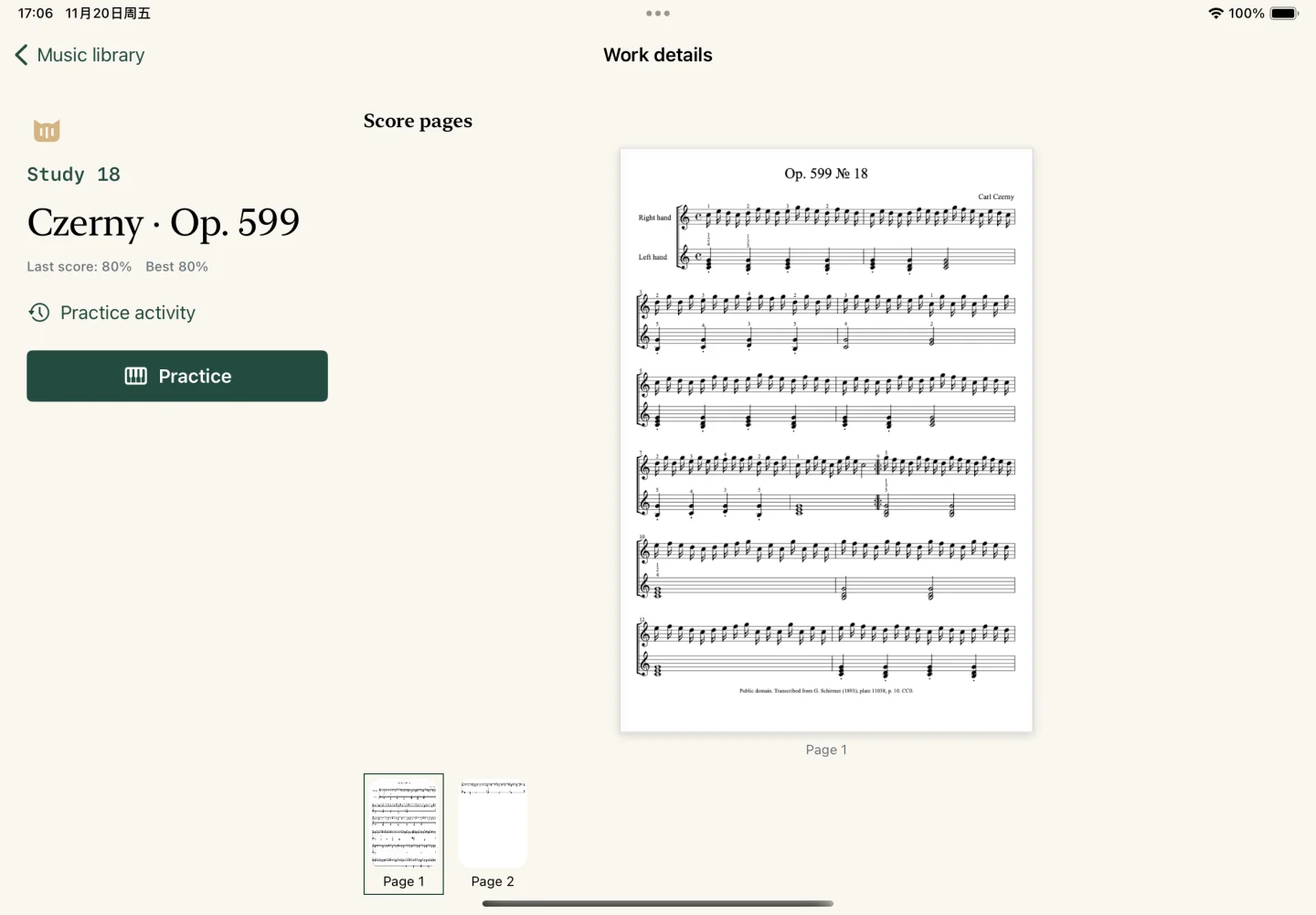
A growing shelf of piano studies
Each collection is a separate iPad app, with its own built-in scores and local practice history.
Beyer
Op. 101
In development
Burgmüller
Op. 100
In development
Hanon
The Virtuoso Pianist
In development
Lemoine
Op. 37
In development
Cramer
Selected Studies
In development
Moszkowski
Op. 72
In development
One passage at a time
Take the time you need, then find your flow.
Let the score wait for you
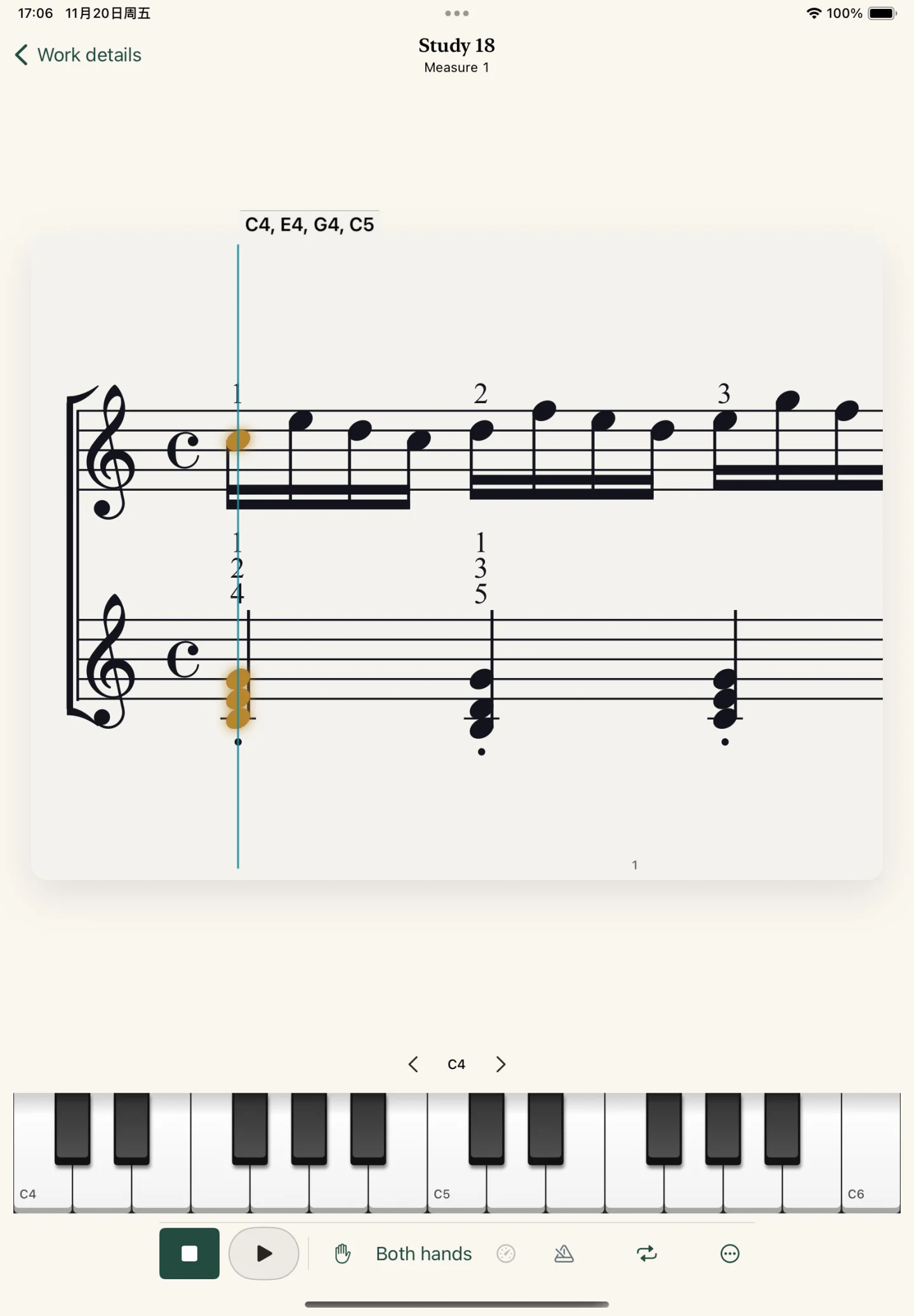
In Wait for me mode, play the highlighted notes to move on. Note prompts help you find your way through a new passage.
Find a comfortable tempo
Switch to continuous practice, slow things down, or listen to the demonstration before your next attempt.
Make the practice yours
Work on one hand, loop a few bars, and choose your strictness. Use the metronome to support steady timing in continuous practice.
See what each attempt brings
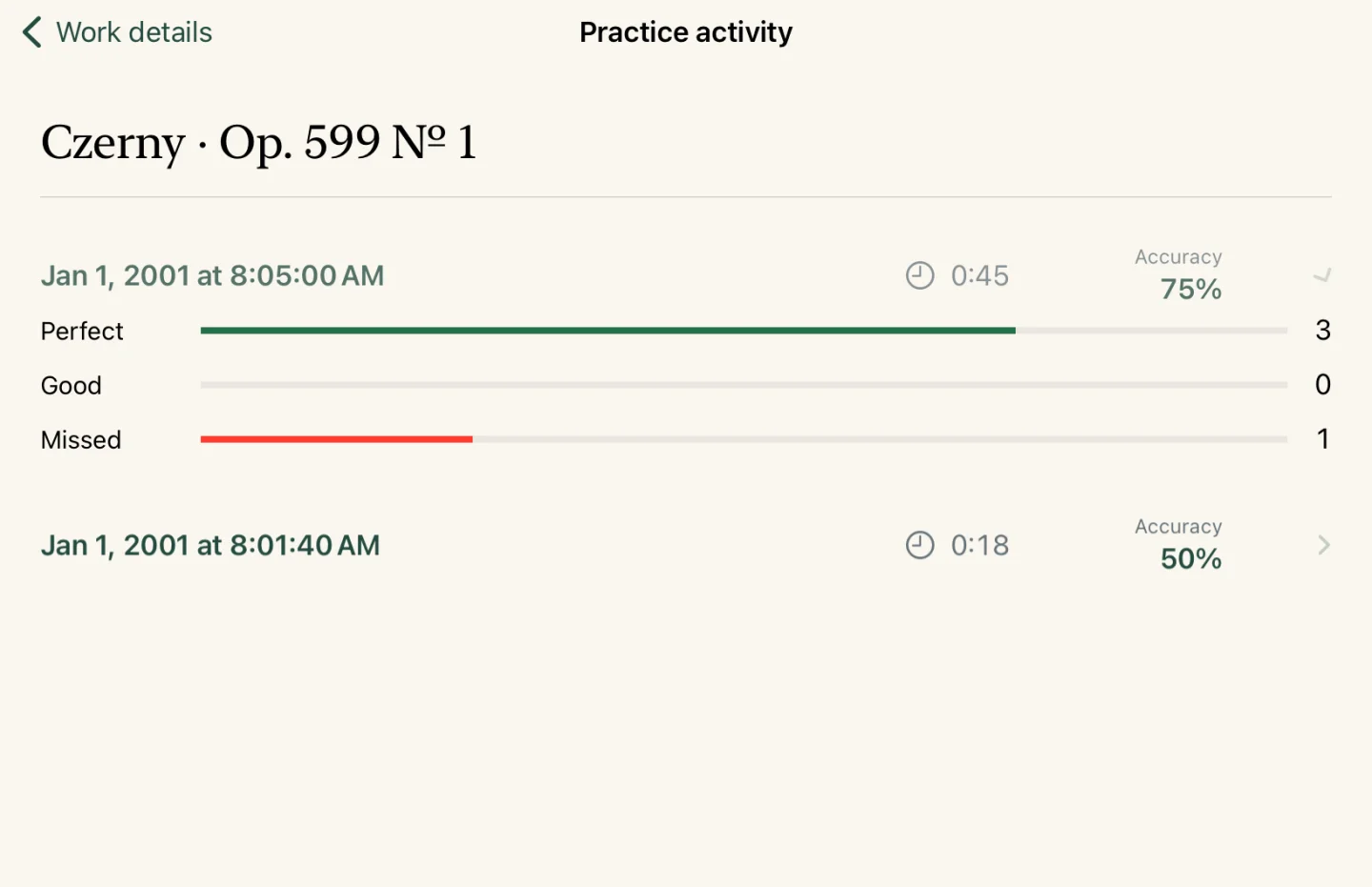
Review your accuracy and the notes you played. Your latest score, personal best, and practice activity stay on your iPad, ready for the next session.
Your piano corner. Anywhere.
Open a study and settle in. The music, piano sound, and practice tools are built in, so your practice can travel with you.
Before you start
Which devices can I use?
MoorPractice is designed for iPad and requires iPadOS 17 or later.
Do I need a keyboard?
You can begin with the on-screen piano. For playing on a real keyboard, connect a compatible USB or Bluetooth MIDI device. Note feedback uses MIDI or the on-screen keys.
Can I practice without an internet connection?
Yes. The scores and piano sounds are included in each app, and your results are saved locally. You can read, listen, and practice offline.
Are all the collections in one app?
Each composer’s edition is a separate app. Czerny includes all 100 studies from Op. 599. The other six editions are in development.
Do I need a MoorPiano account?
MoorPractice opens directly into its built-in collection and does not require an account. Its practice records are kept locally on your iPad.
Come back to the keys
A familiar study. A fresh attempt. A little more progress.
Coming to the App Store